

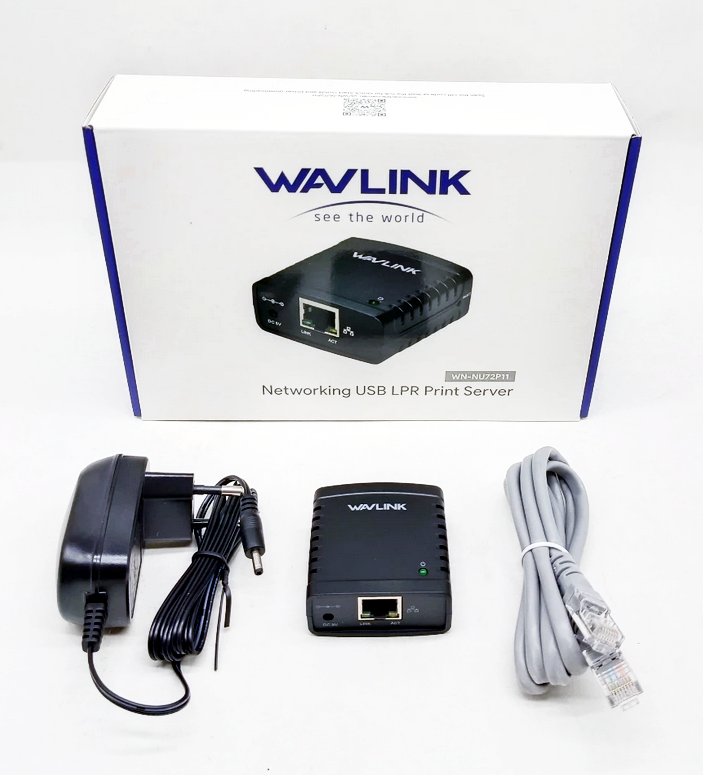
Description
USB Print Server Wavlink WN-NU72P11 USB 2.0 Network Print Server Wavlink WN-NU72P11
System Requirements
- Windows 7/8/8.1/XP
- Windows Server 2003/2008/2012
- Mac OS 10.7 and later
Hardware Connections
- Insert the connector of the power adapter into the DC input hole on the Printer Server.
- Plug the power adapter into a power outlet.
- Connect a USB 2.0 Cable (not included) to the USB-A Port on the Print Server and the other end to a USB-A port on a Printer.
- Connect an CAT5e/6 Cable to the RJ45 Port on the Print Server and to a Router or Network Device.
Note: The Power LED becomes green indicates that the Print Server is on and has correctly connect to the Network.
Reviews
There are no reviews yet.